
- —Automating metadata updates eliminates repetitive data entry and cuts deployment time by over 80 percent.
- —Fastlane Deliver and the App Store Connect API are the industry standards for managing iOS store listings programmatically.
- —You can update promotional text, privacy policy URLs, and copyright information without submitting a new application binary.
- —Generating screenshots via automated UI testing ensures precise framing across dozens of mandatory Apple and Android device sizes.
- —Scaling to 35+ localizations requires automated tools to manage translations and territory-specific pricing efficiently.
Key Takeaways
Manually copying and pasting descriptions into App Store localizations destroys developer productivity. Reclaiming those lost hours requires you to automate app store metadata directly, shifting from manual dashboard entry to a fully automated ASO pipeline that handles every language, release note, and screenshot dimension automatically.
How do you automate App Store Connect updates?
Automate App Store Connect updates by integrating frameworks like fastlane into your CI/CD pipeline, shifting metadata management into version control. Treating your listing as code is the foundation of modern App Store Optimization (ASO). Developers store descriptions and release notes as plain text files, allowing an ios app store metadata update script to push updates to Apple upon tagging a new release.
According to a 2026 GitLab survey, nearly 72 percent of high-performing mobile teams execute metadata updates through automated pipelines. This eliminates copy-paste errors and preserves a historical record of active keywords, simplifying ASO performance measurement.
To build this pipeline, generate an App Store Connect API key with the "App Manager" role. This enables headless server environments to authenticate and transmit localized text bundles without two-factor authentication prompts.
Can you update App Store metadata without an app update? Yes, you can update your app's promotional text, copyright details, and privacy policy URLs at any time without submitting a new binary. These specific fields are unlocked and instantly visible to users. Apple aggressively restricts changes to core metadata fields that impact search rankings. If you discover a subtitle typo or want to swap screenshots, you must increment your version number, attach a new binary, and wait for app review.
| Metadata Field | Can Update Without Binary? | Impacts App Search Ranking? |
|---|---|---|
| Promotional Text | Yes | No |
| Copyright Info | Yes | No |
| Privacy Policy URL | Yes | No |
| App Name / Title | No | Yes |
| Subtitle | No | Yes |
| Keywords | No | Yes |
| Description | No | No (but impacts Google SEO) |
| Screenshots | No | No (impacts conversion rate) |
Because keyword and screenshot changes require a binary submission, teams usually tie metadata automation to their release cycle. An automated pipeline removes the friction of generating builds solely for seasonal ASO experiments.
How to use fastlane to update app metadata?
You use fastlane to update app metadata by initializing the Deliver action, editing local text files, and running a terminal command to push changes. Fastlane acts as a wrapper around Apple's APIs, simplifying the upload process.
For a complete fastlane metadata automation tutorial, install the fastlane ruby gem, navigate to your project, and run fastlane init.
- Run
fastlane deliver initto download your current App Store Connect metadata. - Inside
fastlane/metadata, edit plain text files (description.txt,keywords.txt) in your target language subfolders. - Execute
fastlane deliver --submit_for_review truein your terminal.
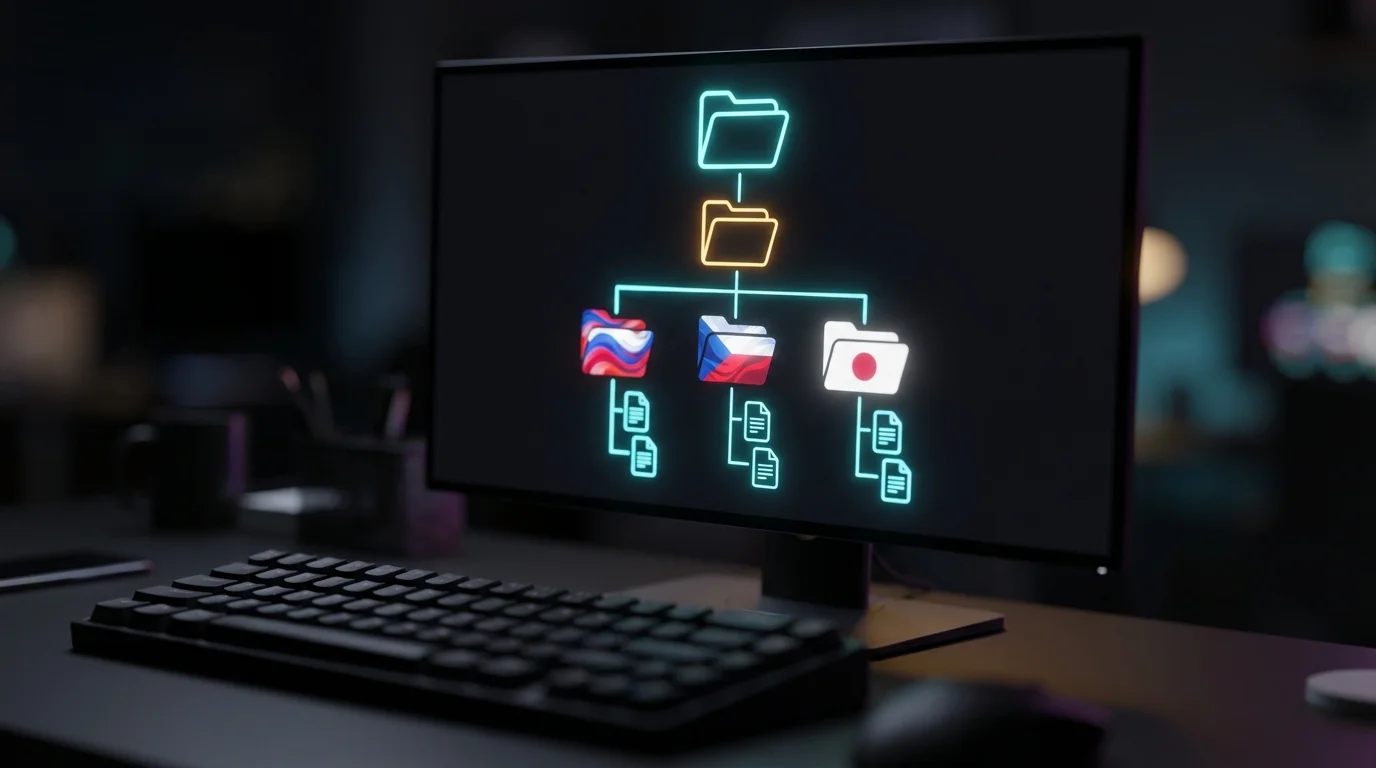
Fastlane validates character counts before uploading. If your keywords.txt file exceeds Apple's 100-character limit, the script fails locally rather than during a network upload. Integrating this exact sequence into a GitHub Action ensures automatic App Store syncing whenever a pull request merges.
For Android, you bulk upload metadata to the Google Play Console using fastlane Supply, which authenticates via a Google Cloud Service Account. To automate google play store metadata updates, link your Play Console to a Google Cloud Project and generate a Service Account JSON key. Running fastlane supply init downloads your existing Android metadata into a local directory structure almost identical to iOS Deliver.
The Google Play Developer API is significantly faster than Apple's equivalent, making bulk uploads highly efficient. You can manage text files across 80+ Android localizations simultaneously. Unlike Apple, Google Play allows developers to change their main description and promotional screenshots anytime without submitting a new APK or App Bundle.
What is the best way to automate App Store screenshots?
The best way to automate App Store screenshots is by pairing fastlane Snapshot with your native UI testing framework to programmatically capture localized images for every required device size.
Apple requires screenshots for multiple device classes, including Pro Max iPhones and iPads. If your app supports 10 languages and needs 5 screenshots per device, you must generate over 200 individual image files. Manually running simulators is not feasible.
By writing XCUITest or Espresso scripts, you instruct the simulator to tap through specific user journeys. When the script reaches a vital screen, fastlane Snapshot takes a localized screenshot.

Once captured, pipe the raw screenshots into fastlane Frameit. This wraps images in device mockups, adds background colors, and overlays localized marketing text. You can update app store screenshots automatically overnight, ensuring assets reflect your latest user interface without opening Photoshop.
How does the App Store Connect API handle metadata?
The App Store Connect API handles metadata through RESTful JSON endpoints that allow developers to programmatically create app versions, modify text fields, and upload binary assets via JSON Web Token (JWT) authentication.
For teams requiring custom logic beyond fastlane, an app store connect api metadata update is the most robust solution. Apple's v1/appStoreVersionLocalizations endpoint allows you to PATCH specific fields programmatically, which is ideal for external Content Management System (CMS) integrations.
When writing a custom script, generate a JWT signed with your private P8 key. The workflow involves fetching the active App Store Version ID, querying attached localization IDs, and sending a PATCH request containing new text payloads.
During a bulk update ios app store metadata operation, be aware of rate limits. Batch your requests and implement exponential backoff in your networking logic to prevent HTTP 429 Too Many Requests errors when updating multiple localizations simultaneously.
Can you automate iOS app localization updates?
Yes, you can automate iOS app localization updates using dedicated browser extensions or API wrappers that translate and distribute text across all 35+ supported App Store languages simultaneously.
Scaling globally means managing localized search terms and release notes for unfamiliar markets.

Instead of building custom scripts, modern developers leverage specialized workflow tools. For example, StoreManager automates App Store Connect localization across 35+ languages using Gemini AI. It injects translated text directly into the Apple dashboard.
Localization also involves adjusting financial data. Different territories require different subscription price points based on local purchasing power. StoreManager sets PPP-based pricing for 175+ territories, saving you hours of navigating Apple's rigid pricing matrix.
Automating your localization pipeline removes the manual burden of translation, ensuring every app update reaches your global audience instantly and accurately.
Frequently Asked Questions
Can I use CI/CD for app store metadata?
Yes, integrating tools like fastlane into GitHub Actions, Bitrise, or GitLab CI allows you to trigger metadata uploads automatically whenever code is merged to the main branch or a specific release tag is created.
Does updating metadata trigger an app review?
Updating major metadata fields like the main description, screenshots, and keywords requires a new app version submission. This triggers a standard Apple or Google review process before the changes go live to the public.
What happens if my automated metadata upload fails?
The API or fastlane script will output a specific error code to your terminal. Failures usually indicate that a text string exceeds character limits, a required field is missing, or an uploaded screenshot has the wrong pixel dimensions.
Is fastlane still actively maintained in 2026?
Yes, fastlane remains the open-source industry standard for mobile deployment in 2026. It is continuously updated by the community to support the latest Apple API changes and Google Play Console requirements.
Sources
- Apple Developer Documentation — Official reference for the App Store Connect REST API endpoints and JWT authentication.
- Fastlane Deliver Guide — Technical documentation on initializing and running fastlane Deliver for iOS metadata.
- Fastlane Supply Guide — Instructions on configuring Google Cloud Service Accounts to push Android metadata.
- Google Play Developer API — Documentation on managing publishing tasks via the Google Play REST API.
- GitLab DevSecOps Report — Annual survey data tracking the adoption rates of CI/CD pipelines among global developer teams.
- AppTweak ASO Guidelines — Comprehensive breakdown of locked versus unlocked metadata fields on the App Store.
- Statista App Store Metrics — Historical data on app deployment volume and App Store ecosystem growth.